

Banking Basics for Bangladesh Players in TK999 Casino

A TK999 deposit for Bangladesh players is built around local BDT wallet flows, so most funding runs through familiar channels without currency conversion or extra international steps:
- Use a wallet registered in your own name and keep it consistent;
- Avoid shared accounts and mixed personal details;
- Be ready for KYC checks if the cashier asks before full access;
- Always confirm the current min and max on the live cashier screen;
- Treat daily caps and TK999 VIP limits as account based, not universal.
Use TK 999 deposit limits as a reference only after you have verified the exact figures for your chosen method in the cashier, because ranges and caps can shift by channel and account tier.
Deposit Methods, Limits and Rules
The cashier is structured to keep payments clear and trackable, with the key limits, timing notes, and status labels shown directly on screen. The table below consolidates deposit and TK999 withdrawal options for Bangladesh into one reference, so the most important figures stay in one place.
| Method | Operation | Min BDT | Max BDT | Daily cap or count | Fees | Typical time |
|---|---|---|---|---|---|---|
| bKash VIP | deposit | 100 | 25,000 | - | No platform fee | 24/24 service, usually seconds to a few minutes after wallet confirmation |
| Nagad VIP | deposit | 100 | 25,000 | - | No platform fee | 24/24 service, usually seconds to a few minutes after wallet confirmation |
| bKash VIP | withdrawal | 100 | 25,000 | Daily request counter shown | No platform fee | Up to 24 hours, VIP tiers may increase practical limits |
| Nagad VIP | withdrawal | 100 | 25,000 | Daily request counter shown | No platform fee | Up to 24 hours, VIP tiers may increase practical limits |
Use the table as a checklist, then choose one payment channel and stay inside the posted per-request limits to keep approvals smooth. Channel switching mid-session can stall a request. Wallet number mismatches and out-of-range amounts are also common causes, so keep your details consistent and follow the official cashier prompts for deposit safety.
Deposit Steps
A TK999 casino deposit is quickest when you follow the official cashier path end to end, because the wallet redirect, reference entry, and status line all live inside the same flow. The step by step sequence below is built to help you send one clean deposit request and avoid accidental duplicates:
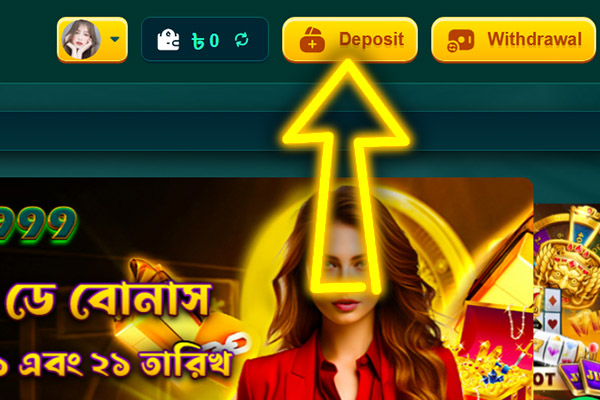
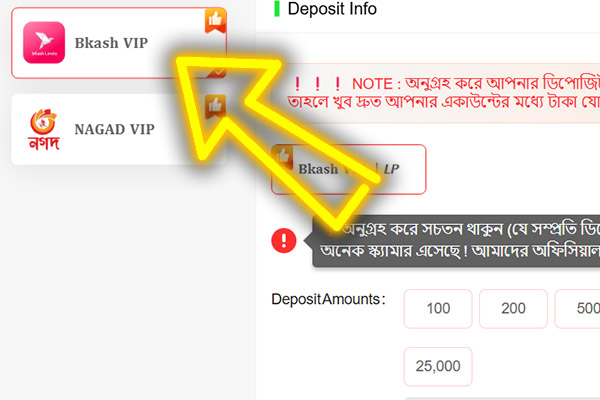
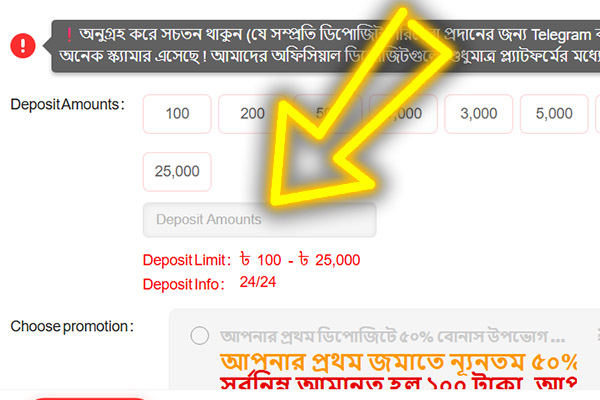
Open the site or official TK999 app and sign in to your account Go to Wallet or Cashier and select Deposit Choose your channel, either bKash or Nagad Enter an amount inside the visible range or tap a preset button Complete the wallet side confirmation using the redirect, QR, or copy and pay method shown on screen Wait for a Successful status or a balance update and do not submit the same request twice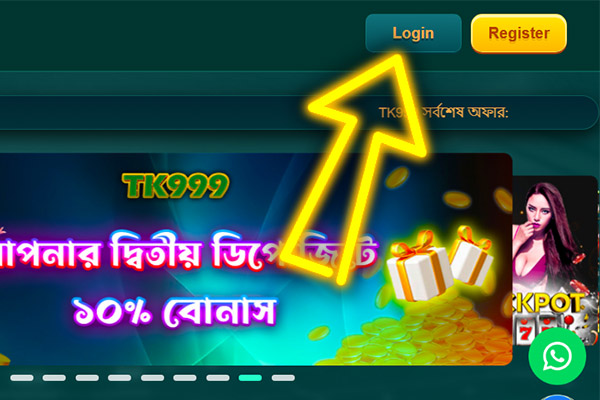
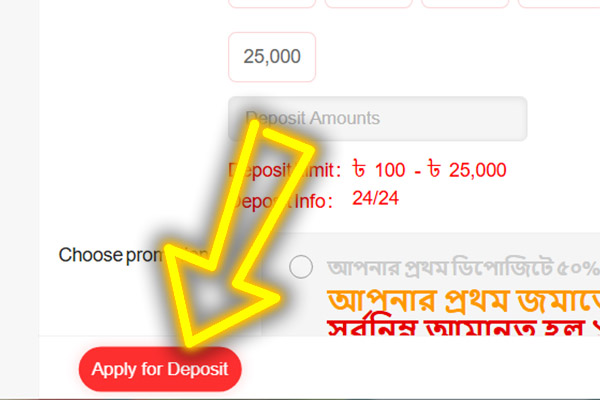
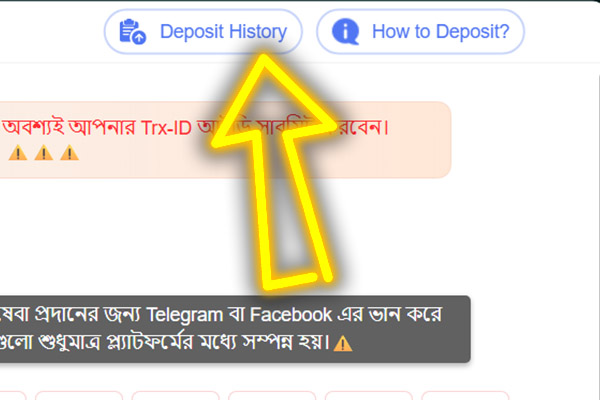
If the balance does not update immediately, check the Pending status first and open Deposit History to confirm whether the request is still processing. Use the built-in refresh balance option where available, and avoid duplicate requests while a single entry is still Pending.
TK999 Casino Withdrawals, Limits and Timing
A TK999 casino withdrawal is processed in BDT to a local wallet, and the form shows the allowed range before you submit. The posted maximum is 25,000 BDT per request, and Withdrawal Time is up to 24 hours, depending on the queue and your account tier. Keep your payout details consistent, because frequent channel changes or name mismatches can slow approval even when the amount is valid.
The screen gives you three anchors to trust: the posted range on the form, the Withdrawal Time label, and the daily request counter shown on the same page.
Check these before you submit, then keep the request on one channel until the status changes.
Steps to Request a Payout
The steps below focus on submitting a single clean request and keeping the process traceable from one screen, so you avoid avoidable errors and unnecessary repeats:
Open Wallet and go to the Withdraw section Select a saved bKash or Nagad wallet, or add one that matches your profile name Enter an amount within the on-screen range and update Return Balance if the available figure looks outdated Enter your transaction password and send one request Stay on the same page to monitor progress and avoid opening extra tabs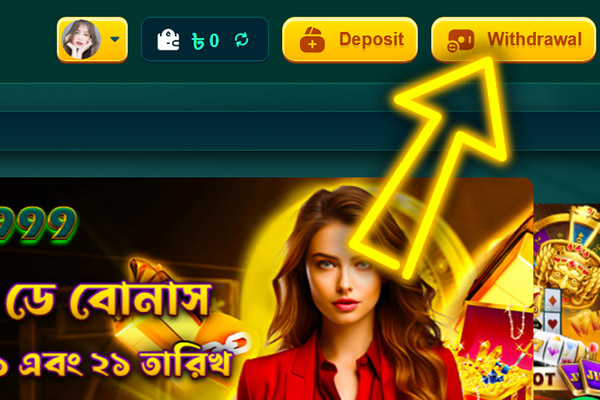
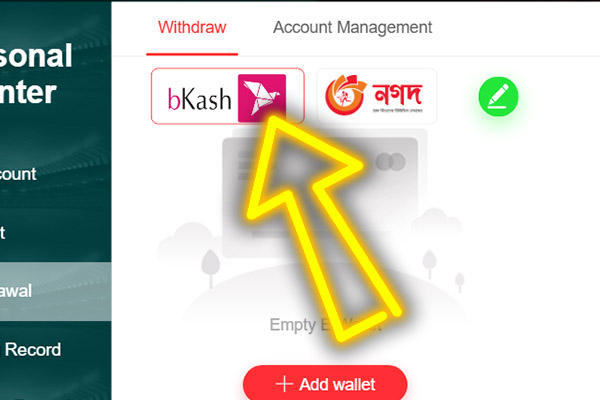
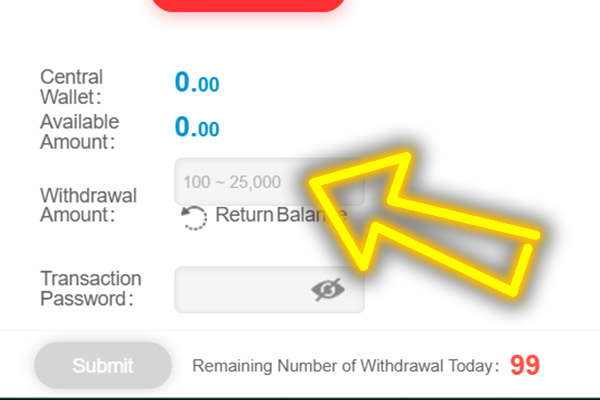
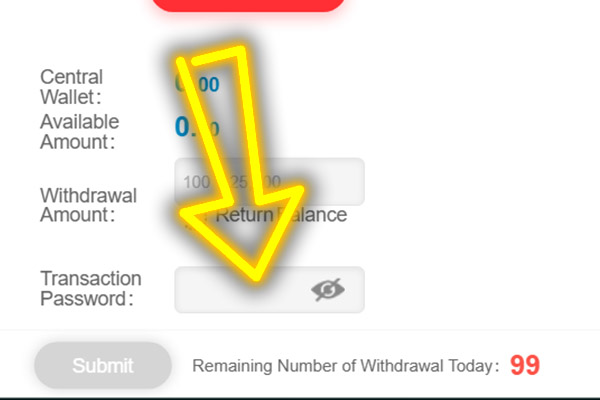
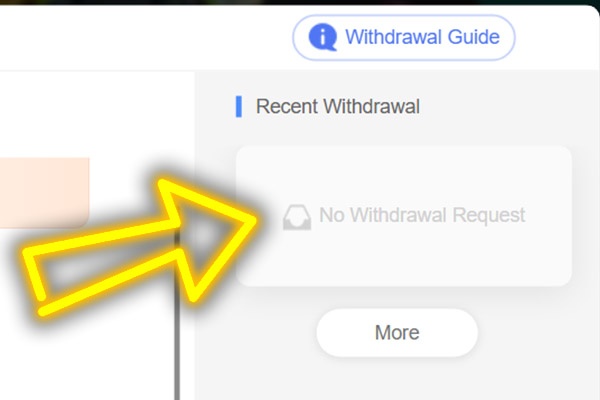
After submission, check the status in Withdrawal History instead of resending. If a request fails, do not resubmit immediately. Verify your wallet details, amount, and password, then retry only after the previous attempt is inactive.
Typical Deposit and Withdrawal Problems
A TK999 deposit problem is often solved by checking the same request in the cashier instead of guessing or resubmitting. For payout issues, the pattern is similar: one wrong detail creates a queue pause, and repeated submissions slow things down.
Treat the history screen as the source of truth, keep one active request, and only move to chat when you have a single reference id tied to the attempt you are discussing.
Use the table below as a quick self check before you contact support.
| Quick check | What to confirm in the cashier | What to do next |
|---|---|---|
| Amount outside range | Limit line min and max | Adjust the amount to fit the posted range and submit once |
| Wallet payment not completed | Payment completion in your wallet, correct receiver details | Finish the wallet confirmation and ensure receiver details match the cashier |
| Balance not updated yet | Status line and the page refresh option | Use the in page refresh and wait if status is Pending |
| Duplicate request risk | Deposit History entries for the same amount or reference | Stop, keep one request active, do not send a second one |
| Pending vs Failed confusion | Current status label | Pending means wait, Failed means correct details before retry |
| Need help after checks | Official chat entry point | Share only username and reference ID from the transaction record |
Most issues clear up with one calm pass through the checks, without adding extra submissions or switching channels mid-flow. If a TK999 casino deposit problem solution still is not found after the table, open the official on page chat. Share your username and reference ID, and keep the discussion inside the site rather than public groups.